
Why this page works
Crystal Maze 3D unblocked keeps the game in the browser, so you can move from opening the page to playing without setting up another application.
- No download
- The player retrieves the game as part of the webpage. There is no game archive to unpack or executable to save.
- No installation
- Use a compatible browser already on your device. The website does not ask you to install a desktop client.
- No plugins
- The game uses modern browser graphics rather than a separate plugin. Keep your browser current for the best compatibility.
- Mobile play
- The game includes touch controls. A wider landscape view helps you see passages and reach the action buttons.
- No login required
- You can start a game without registering on this website. There is no site account or profile to manage.
Loading the game still depends on your browser being able to display the embedded player. If it remains blank, check the connection, refresh the page, or use the linked Y8 game page to check whether the host is available.
How to play
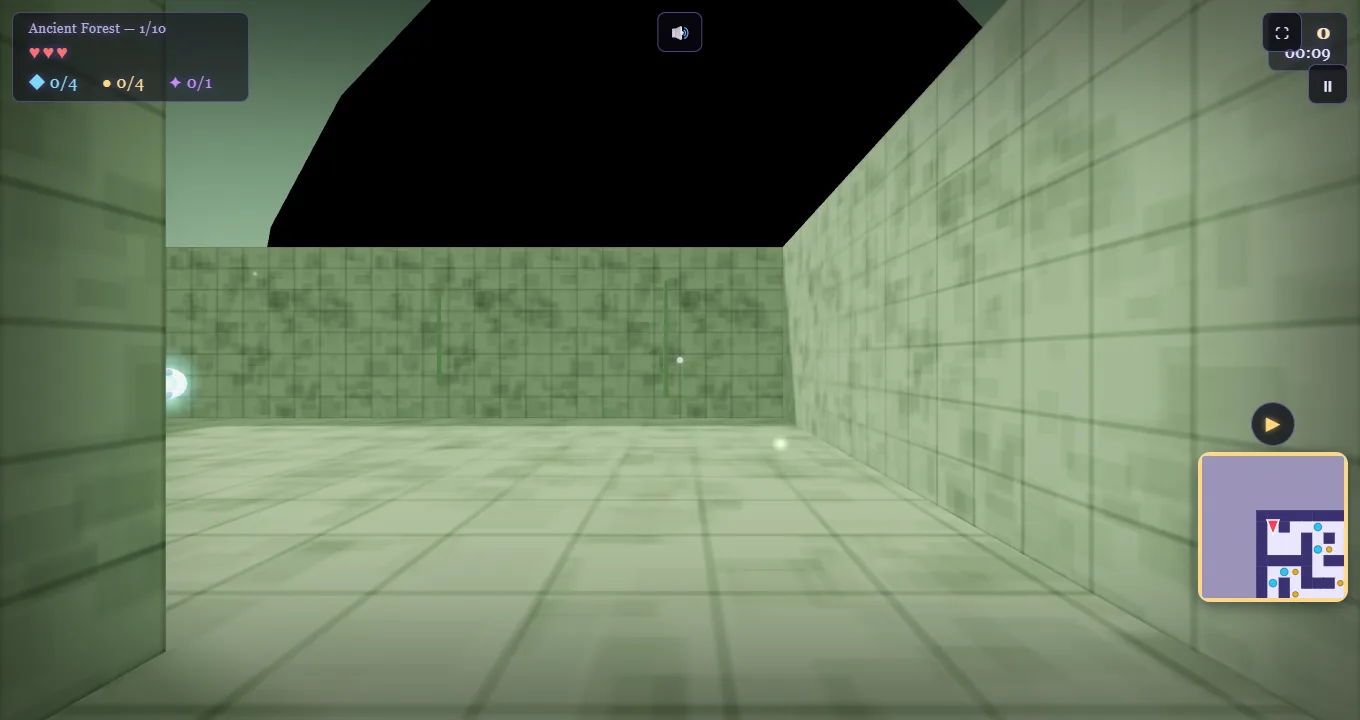
Click inside Crystal Maze 3D after its start screen loads. Use WASD or the arrow keys to move, and the mouse to turn your view. On a touchscreen, use the joystick and look area. Click or press Space to attack nearby enemies; hold Shift to sprint on desktop.
- Collect every crystal. Follow the branches and watch the collection counter. Pick up crystals as you find them; leave a mental note of passages you have already checked.
- Find the golden key. In ordinary levels it appears after the crystal objective is complete. Search the maze again if necessary, then collect it to open the exit.
- Reach the portal. Return to the open portal and step inside. The final level contains a boss and uses a different exit sequence.
In Crystal Maze 3D, taking time to read a junction often helps more than sprinting into an unfamiliar corridor. Check where an enemy or trap is moving before you approach. If you lose track of your route, use the minimap and return to a recognizable junction.
Before your first run
For Crystal Maze 3D unblocked on a laptop, keep the game focused while you use the movement keys. Clicking a guide or another browser tab can move keyboard focus away from the player. Click inside again when you return. Escape releases the captured mouse pointer and also interacts with the game’s pause control.
On a phone, give the player enough room before starting. Landscape orientation keeps the joystick and look area apart. The Fullscreen button beneath the player can expand the view, and the same button lets you return to the page. You can also read the controls guide before loading the game.
The Crystal Maze 3D walkthrough organizes all 10 level sections, the five scenes and the collection guides. Use it to identify the part of the game you want to understand, then return to the main play page when you are ready to continue.
Frequently asked questions
Is Crystal Maze 3D unblocked free to play?
Yes. Crystal Maze 3D unblocked is free to play here using the Y8 player. Choose Play game and then follow the game’s own start screen. The website does not ask you to pay or create an account. Any advertising inside the embedded game is supplied by its host.
Do I need to download or install anything?
No. Crystal Maze 3D runs as an HTML5 browser game, so there is no separate download, installer or plugin. Open this page in a compatible browser, load the player and keep your internet connection available while the game starts. You do not need a desktop shortcut or a browser extension.
Does it work on a Chromebook or school laptop?
Yes, if the device can open this webpage and run its embedded game player in a compatible browser. A Chromebook can use its normal browser; no separate installation is required. The game needs WebGL support. Availability and performance depend on the device, browser and connection.
Can I play it on my phone?
Yes. Crystal Maze 3D supports touchscreen play. Use the game’s movement joystick, look area and action buttons. Rotate your phone to landscape and try Fullscreen if the controls feel small. On browsers without native fullscreen, the site can expand the player within the browser window.